

Groups
Groups bundle roles and appear in visibility rules. They never hold budget.
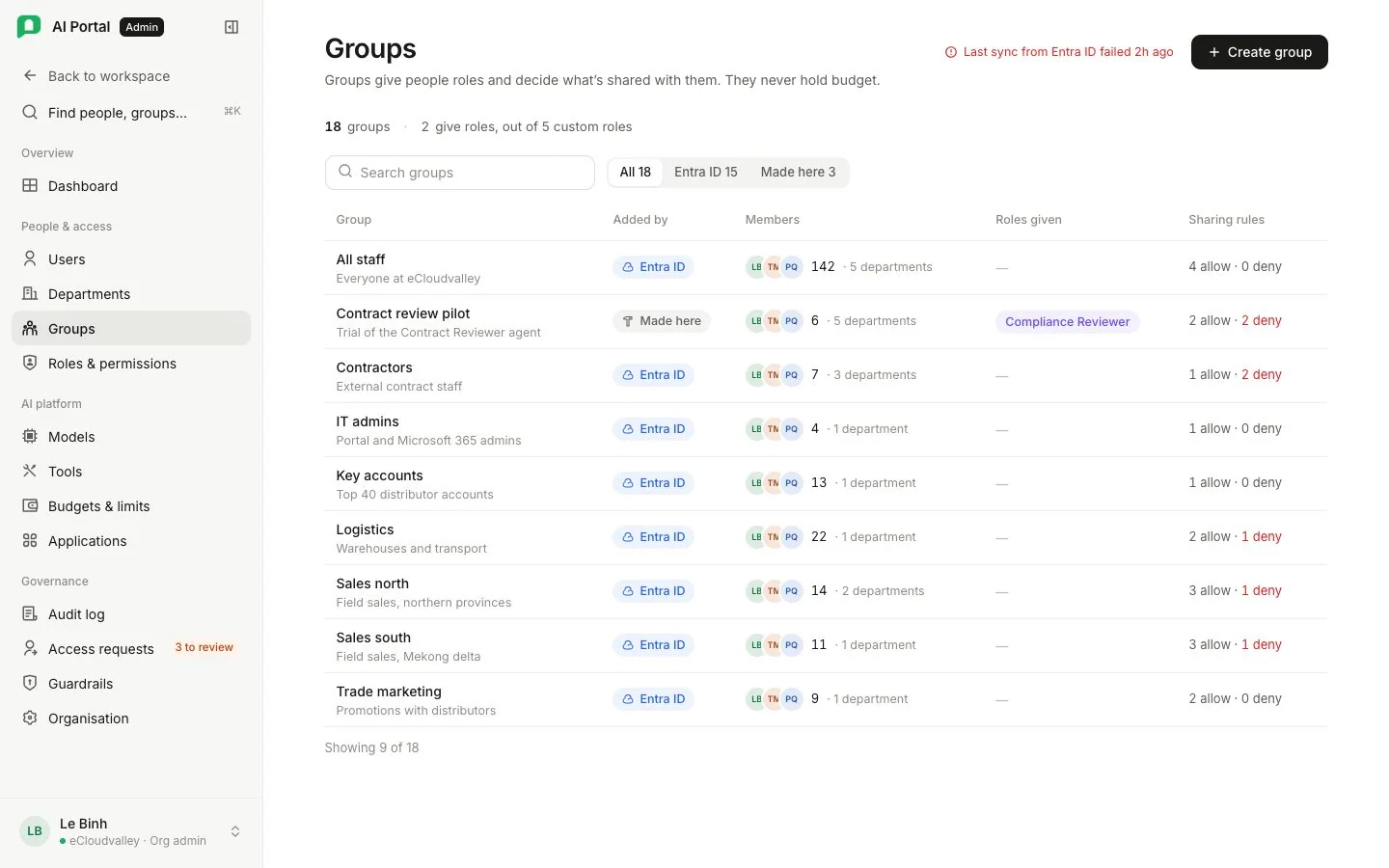
Tiles count groups, those from your identity provider, those managed here, and the custom roles granted through groups. Create group adds one managed here. The table lists each group’s source, members, roles granted and resource rules.
A person can be in many groups. A group bundles custom roles and can be named in a resource’s allow or deny list. People can also hold custom roles directly; their permissions merge with the roles from every group.
Source separates your provider’s groups from groups managed here. Membership of a provider’s group is read-only, and when a provider owns the directory, creating groups and editing membership are its job.
Inside a group
| Card | Holds |
|---|---|
| Members | Who the group reaches |
| Role bundle | The custom roles the group adds to each member, merged with their direct roles |
| Resource rules | Every resource whose visibility rule names this group |
See Groups and Resource visibility.